

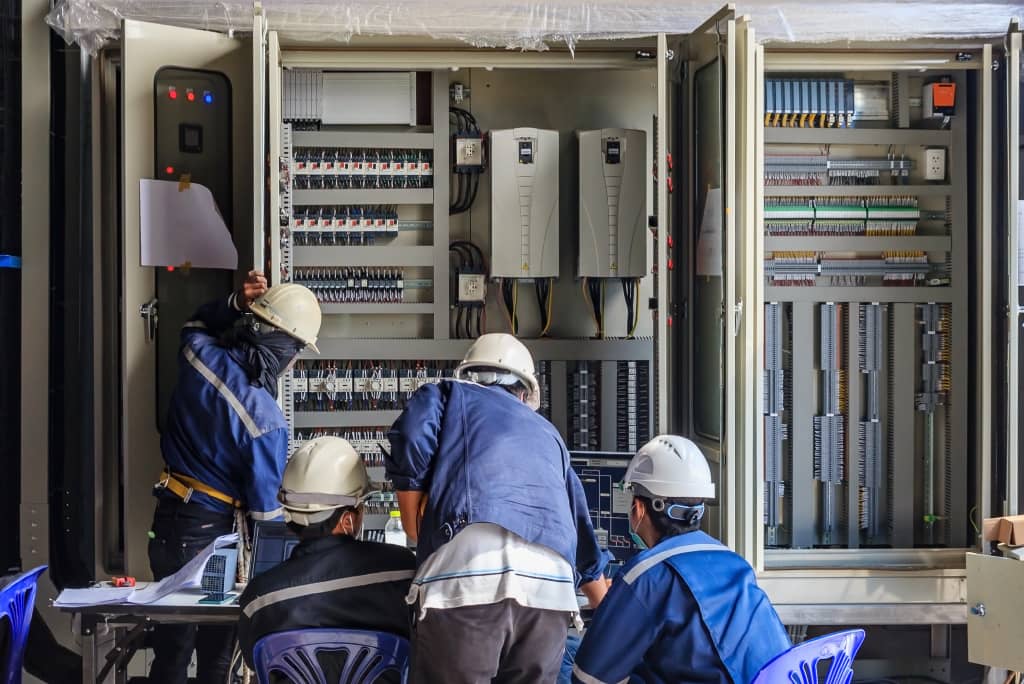
Industrial automation transforms manufacturing floors from labor-intensive operations into efficient, precise production systems. Allen-Bradley PLC systems stand at the forefront of this transformation, powering everything from automotive assembly lines to pharmaceutical packaging facilities. This practical guide breaks down the essential steps for implementing your first automation project using Allen-Bradley controllers.
Whether you’re an engineer transitioning into automation or a plant manager exploring efficiency improvements, understanding the fundamentals of programmable logic controllers (PLCs) opens doors to significant operational gains. Allen-Bradley, now part of Rockwell Automation, offers a comprehensive ecosystem of hardware and software that scales from simple machine control to complex, plant-wide automation networks.
Understanding the Allen-Bradley Product Ecosystem
Allen-Bradley organizes its PLC offerings into distinct families, each targeting specific application requirements and budget constraints. The MicroLogix series serves small standalone machines with 10-40 I/O points, while CompactLogix handles mid-range applications requiring 100-500 I/O points with integrated motion control capabilities. ControlLogix systems scale to thousands of I/O points across distributed architectures.
Selecting the right controller depends on three primary factors: I/O count, processing requirements, and communication needs. A packaging machine might only need 30 discrete inputs and outputs with basic timing functions, pointing toward a MicroLogix 1400. A bottling line coordinating multiple servo drives, vision systems, and upstream equipment demands CompactLogix’s integrated motion capabilities and EtherNet/IP connectivity.
The Allen-Bradley PLC portfolio extends beyond controllers to include human-machine interfaces (HMIs), variable frequency drives (VFDs), safety controllers, and industrial networking equipment. This integrated approach simplifies system design and reduces integration complexity compared to mixing multiple vendor solutions.
Essential Hardware Components and Selection Criteria
Every automation system starts with proper hardware specification. Beyond the controller itself, you’ll need power supplies, input/output modules, communication cards, and potentially specialty modules for temperature measurement or high-speed counting.
Power Supply Sizing
Calculate total current draw across all modules, then add 20% safety margin. A typical CompactLogix system with one controller, three digital input cards, two digital output cards, and one analog card draws approximately 2.5 amps at 24VDC. Choose a 3-amp or larger supply to ensure stable operation during peak loads.
Input/Output Module Selection
Digital inputs read discrete on/off signals from pushbuttons, proximity sensors, and limit switches. Digital outputs control solenoid valves, indicator lights, and motor starters. Analog modules handle continuous signals like temperature (4-20mA) or pressure (0-10V). Match voltage levels carefully — mixing 24VDC and 120VAC signals requires separate modules.
High-speed applications demand specialized hardware. Servo control requires motion modules with dedicated processors. Precision temperature control needs thermocouple or RTD input cards with built-in linearization. Vision inspection integrates through EtherNet/IP communication modules.
Programming Fundamentals with Studio 5000
Studio 5000 (formerly RSLogix 5000) serves as the primary development environment for CompactLogix and ControlLogix systems. The software uses ladder logic as its primary programming language, mimicking electrical relay diagrams familiar to maintenance technicians.
Basic ladder logic instructions include examine if closed (XIC), examine if open (XIO), and output energize (OTE). These building blocks combine to create complex control sequences. A simple motor start/stop circuit uses two XIC instructions (start and stop buttons) controlling an OTE (motor contactor), with a parallel holding contact maintaining the output after releasing the start button.
Timer and counter instructions add time-based and event-based control. TON (timer on delay) creates delays for sequential operations. CTU (count up) tracks production quantities. Mathematical instructions (ADD, SUB, MUL, DIV) enable calculations for scaling analog values or computing production rates.
Structured programming improves code organization and reusability. Create separate routines for different machine sections — infeed, processing, discharge. Use user-defined data types (UDTs) to group related variables. A “Motor” UDT might contain tags for running status, fault codes, runtime hours, and maintenance intervals.
Network Architecture and Communication Protocols
Modern automation systems rarely operate in isolation. PLCs communicate with HMIs for operator interaction, SCADA systems for plant-wide monitoring, and enterprise systems for production data.
EtherNet/IP Implementation
EtherNet/IP dominates Allen-Bradley installations, providing deterministic communication over standard Ethernet infrastructure. Configure managed switches with VLANs to separate control traffic from office networks. Enable IGMP snooping to optimize multicast traffic for I/O connections.
Proper IP addressing prevents conflicts and simplifies troubleshooting. Assign static addresses to all automation devices using a logical scheme: 192.168.1.10 for PLC processors, 192.168.1.20-29 for HMIs, 192.168.1.30-49 for drives. Document every address in a network diagram maintained with the control program.
Legacy Protocol Integration
Older equipment often requires serial communication via RS-232 or RS-485. DeviceNet and ControlNet remain common in existing installations. Use gateway devices or communication modules to bridge between protocols, though native EtherNet/IP offers superior diagnostics and configuration tools.
Implementation Best Practices and Common Pitfalls
Successful automation projects follow established methodologies. Start with detailed functional specifications documenting every input, output, and operational sequence. Create electrical drawings showing field device connections before writing any code.
Develop programs incrementally. Test basic I/O functionality before adding complex logic. Implement one machine section completely before moving to the next. Use forcing and trending features in Studio 5000 to verify logic behavior without operating actual equipment.
A PLC Training Course accelerates the learning curve significantly, covering practical skills often missing from academic programs. Hands-on exercises with real hardware reinforce theoretical concepts better than simulation alone.
Common mistakes include inadequate grounding causing noise issues, undersized power supplies creating intermittent faults, and missing surge suppression on inductive loads. Program errors often stem from incorrect scaling of analog values, missing interlocks creating safety hazards, or poor state machine design causing sequence conflicts.
Frequently Asked Questions
What’s the typical cost for a basic Allen-Bradley automation system?
A minimal CompactLogix system with processor, power supply, basic I/O, and programming software starts around $3,000-4,000. Adding an HMI, additional I/O modules, and installation easily pushes costs to $10,000-15,000 for a small machine. Complex systems with distributed I/O, servo control, and SCADA integration can exceed $100,000.
How long does it take to become proficient in Allen-Bradley programming?
Basic proficiency in ladder logic programming typically requires 3-6 months of regular practice. Mastering advanced topics like structured text, motion control, and network configuration takes 1-2 years. Formal training combined with hands-on project experience provides the fastest path to competency.
Can I learn PLC programming without expensive hardware?
Rockwell offers Studio 5000 Logix Emulate for testing programs without physical hardware, though it costs several thousand dollars. Free alternatives like LogixPro provide basic ladder logic simulation. However, nothing replaces hands-on experience with actual controllers for developing troubleshooting skills and understanding real-world limitations.
What certifications validate Allen-Bradley programming skills?
Rockwell Automation offers official certifications through their training partners, ranging from basic maintenance to advanced programming levels. The Certified Control Systems Technician (CCST) from ISA provides vendor-neutral validation. Many employers value demonstrated project experience over certifications alone.
Should I start with MicroLogix or jump straight to CompactLogix?
MicroLogix offers a gentler learning curve with its simpler instruction set and lower cost. However, CompactLogix represents the current technology direction with tag-based addressing and advanced programming features. If budget permits, starting with CompactLogix provides better long-term value despite the steeper initial learning curve.
How do Allen-Bradley systems compare to Siemens or Schneider alternatives?
Allen-Bradley dominates North American markets with strong local support and extensive integrator networks. Siemens leads in Europe with comparable functionality but different programming approaches. Schneider offers competitive pricing for basic applications. Choose based on local support availability, existing plant standards, and integration requirements rather than feature comparisons alone.
Conclusion
Getting started with industrial automation and Allen-Bradley PLC systems requires careful planning, appropriate hardware selection, and systematic programming approaches. Success comes from understanding both the technical capabilities and practical limitations of the equipment. Start with clear objectives, choose hardware matched to your application requirements, and develop programs incrementally with thorough testing at each stage.
The journey from automation novice to competent programmer demands patience and practice. Each completed project builds confidence and reveals new optimization opportunities. As manufacturing continues evolving toward greater connectivity and data integration, PLC programming skills become increasingly valuable for engineers and technicians alike.